
MAGIATOOLS

Born for magicians, built for anyone who stands in front of an audience: theater, conferences, talks, streaming with recording. Cameras, music and automatic triggers, all wireless and on the devices you already have. Touch a prop and its music comes in. The camera cuts when it should. And there is nobody at the console: it is you.
Start free. The free version runs a show on your phone, and a button pad plugged in by cable already fires your music. It has no tags or Bluetooth, and does not connect to other devices. Once you buy the Ecosystem module, any phone with the free version installed joins your system as a camera, monitor or remote. Helpers do not pay.
More tutorials in the Show Trax portal.
Touch the envelope and its music comes in. The pocket screen, the clock on your wrist, and what the spectator writes enters the show. Nobody at the console.
Triggers · Integrations
The good old GO, from your phone. The actor sees cue notes on the monitor, backstage messages them with read receipts, and OSC and MIDI sync the show with the sound desk and the rest of the gear.
Theater · Ecosystem
Your slides as a PDF, walk-in and walk-out music, and a clock that warns you in green, amber and red. The remote in your hand and the monitor on the lectern.
Triggers · Ecosystem
The phones in your drawer are your cameras: zoom, lens and color from a distance. Cut, add titles and record the program. One-time payment, no monthly fee.
Ecosystem · Production
Open Show Trax before Zoom, Meet or WhatsApp. Build your presentation with several cameras, music and graphics, and the call gets it as a single camera.
Ecosystem · Production
Each act with its own music in its own project, a monitor that says who's next, and you backstage messaging them. Only the device that runs the show pays.
Ecosystem · Production
Want it all? The Everything bundle opens the five modules for $399.99, one-time payment.
Show Trax is a free download everywhere. What changes is where you pay for the modules.
Download it from the App Store. Modules are bought inside the app, with your Apple account.
Modules are bought and paid for here. Then open Show Trax, go to EDIT, Settings, Show Trax, and activate it with the email you paid with. Good for 2 devices, and it works offline after that.
Your phone can be the camera, the monitor, the remote or the screen, for free. Go here, install Show Trax and connect to the device that runs the show.
Join as a helper →Which one is for you? It depends on the show you do and what you need on stage.
What you buy here opens Show Trax on Windows, PC and Android. On iPhone, iPad and Mac the purchase is made inside the app. They are separate purchases. One-time payment, no subscription.
Questions before you buy? Write to me: dwella@magiatools.com
Refunds: the same on both sides. What you buy on the App Store is requested from Apple at reportaproblem.apple.com. What you buy here is requested from me at dwella@magiatools.com. In both cases the request is reviewed.
It's not several apps or different gadgets: the same phone that runs your show today is the wireless camera, the stand monitor or the remote in your pocket tomorrow. One button changes it, and the system grows with the show, not with the budget.
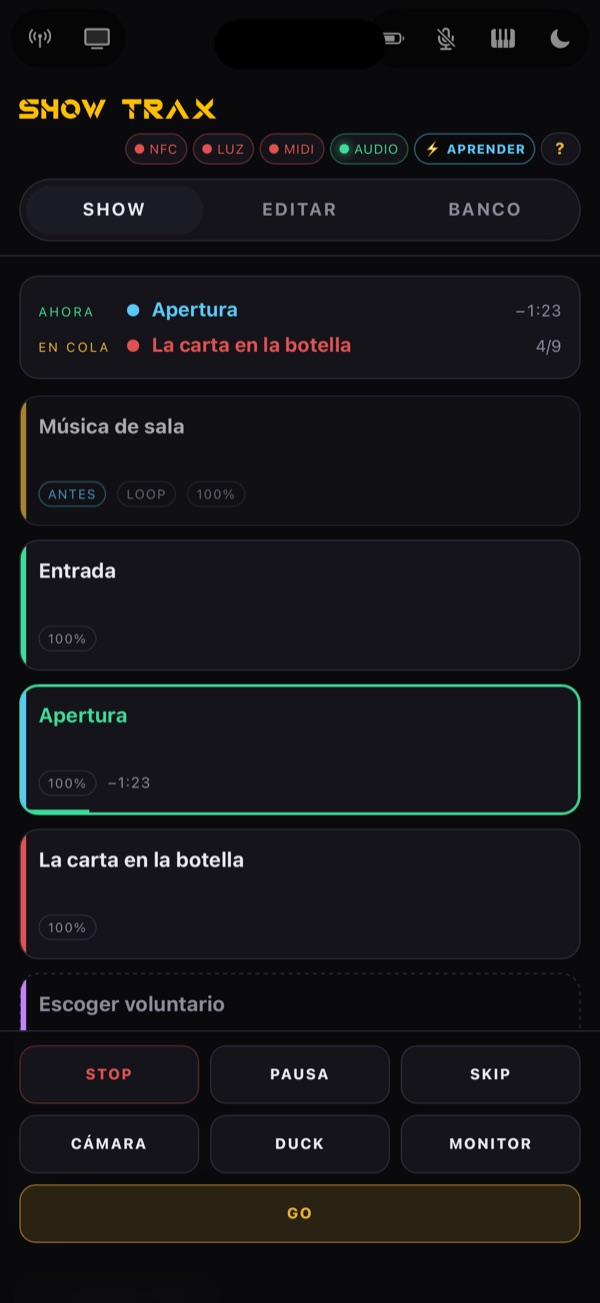
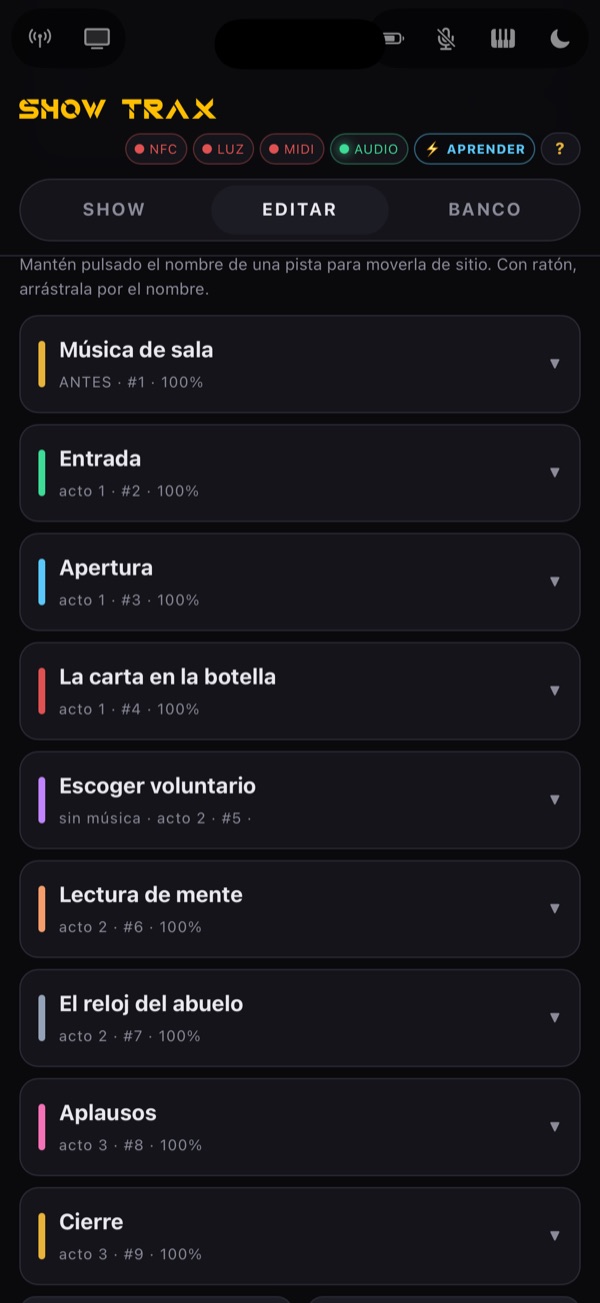
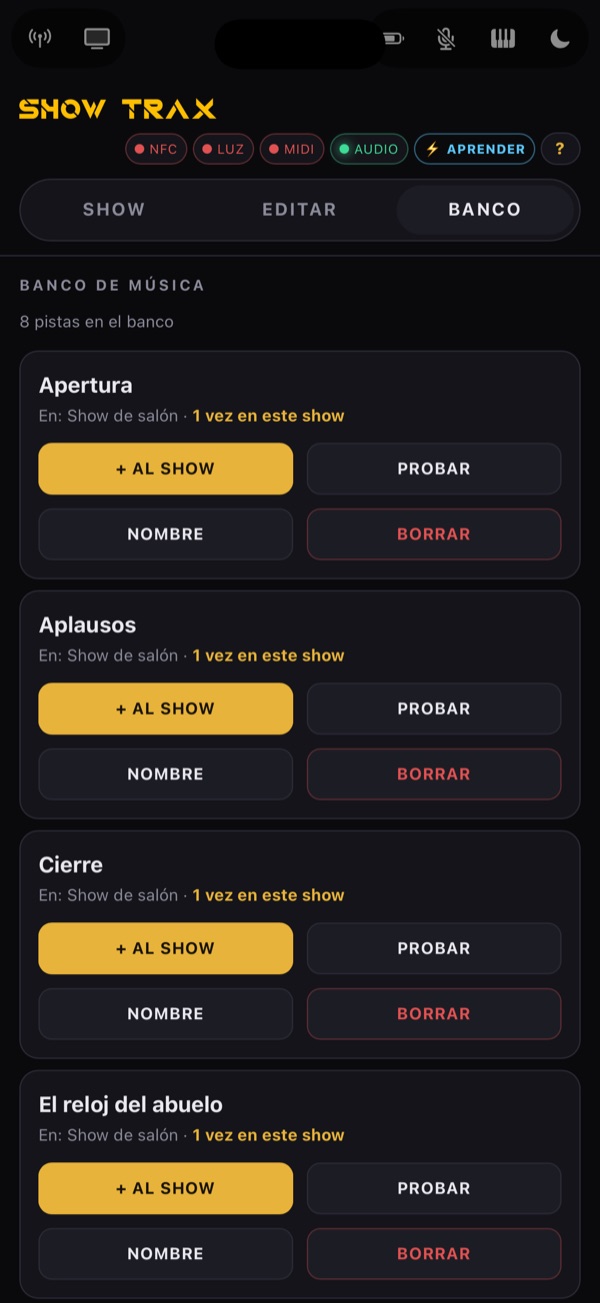
The show queue on one button, or cue by cue. Fades, pause that resumes where it stopped, layers and loops. Plays with the screen off.
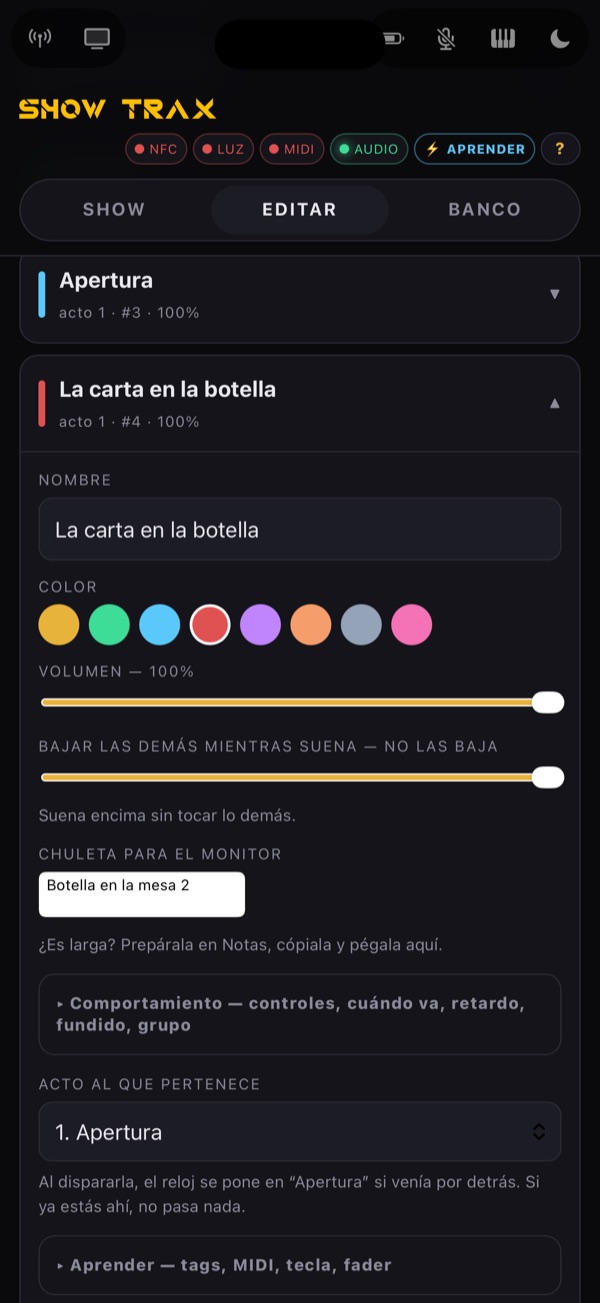
NFC tags, MIDI pad, pedal, Bluetooth keyboard, Apple Watch or the remote: anything fires anything, assigned with a tap.
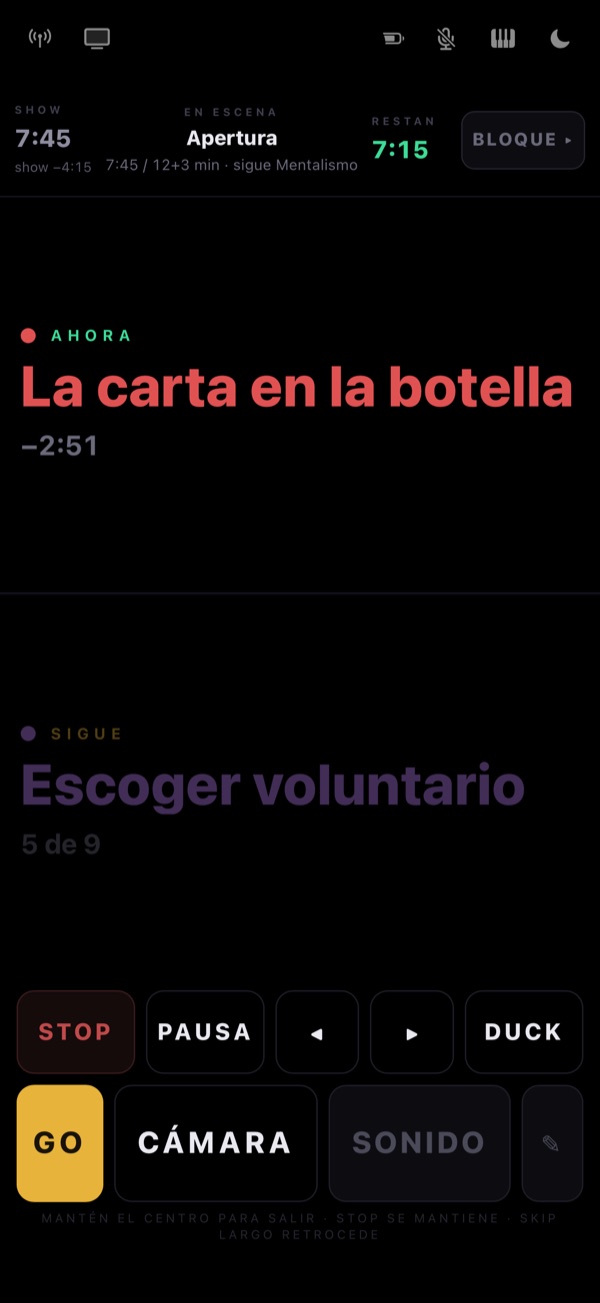
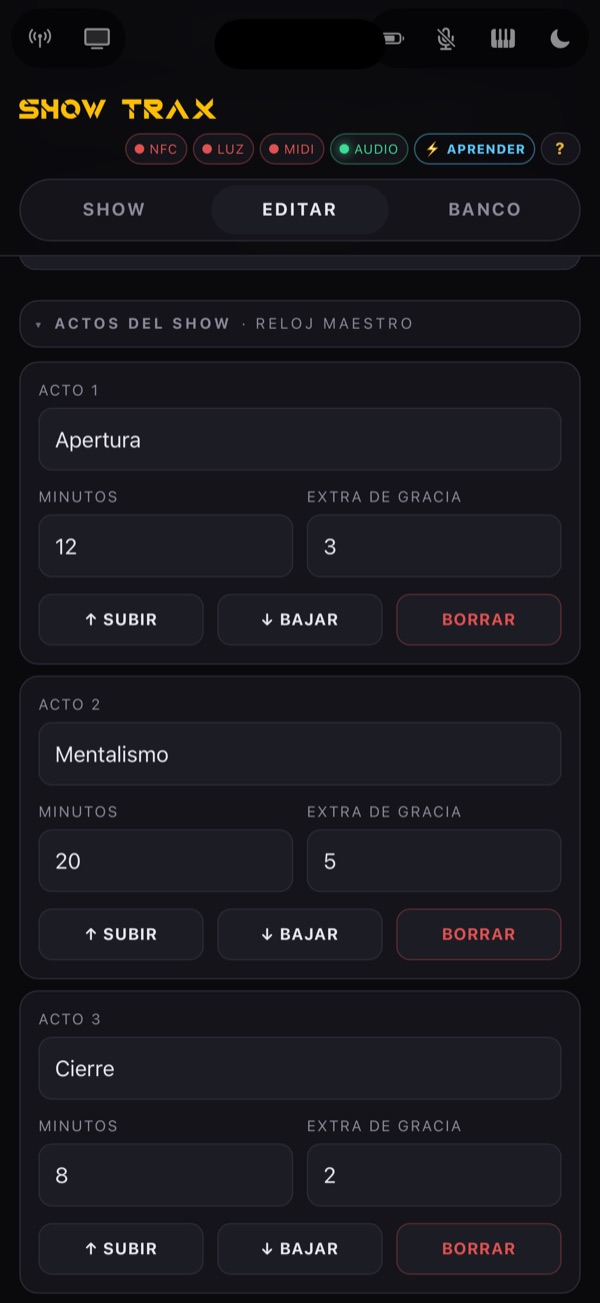
Acts with their minutes and grace time, countdown in green, amber and red; house music doesn't count.
Your still image, videos, slides —bring your presentation as a PDF—, titles, graphics on top and emergency black.
An old phone on the table sends its picture to the screen. Several at once, with lens, zoom and color from afar.
Your cue notes or the clock, huge; someone backstage writes to you — with read receipts.
The mic mixes with the music, which ducks by itself when you talk. The sound tech gets one single line.
GO, screen cuts, the act and your cue notes on your wrist, music and voice volume, and taps only you can feel.
Routines where the system knows which object moved —the marker they picked, the odd cup out— and tells you in your pocket or on your wrist.
What the spectator draws on the phone appears on your pocket screen, stroke by stroke. Other magic apps plug into the show.
Several cameras by cable or wifi, crossfade cuts, record the program and go out as a camera to Zoom, WhatsApp or your stream.
It has been used at conventions, shows and workshops.
A three-day convention, run from a Mac. Not a single hiccup.
A full motivational talk. Not a single hiccup.
A two-hour show: music fired by tags on the props, the monitor on a tablet and two guests brought into the show over Zoom and WhatsApp. Not a single hiccup.
Works without internet: the devices talk over the local network (wifi, hotspot or cable). Music, videos and shows live on each device.
No. One-time payment, no subscription.
What does the free version do?The free version runs a show on your phone, and a button pad plugged in by cable already fires your music. It has no tags or Bluetooth, and does not connect to other devices.
Do my helpers have to pay?No. Once you buy the Ecosystem module, any phone with the free version installed joins your system as a camera, monitor or remote. Only the device that runs the show pays.
Does it work without internet?Yes. The devices talk over the local network (wifi, hotspot or cable). Music, videos and shows live on each device.
If I buy for Windows or Android, does it work on my iPhone?No. What you buy here opens Show Trax on Windows, PC and Android. On iPhone, iPad and Mac the purchase is made inside the app. They are separate purchases.
How many devices can I activate with what I buy here?On Windows, PC and Android it is good for 2 devices, and it works offline after that.
What do I need to get started?Your phone. Show Trax is a free download everywhere and works on the devices you already have.
Can I ask for a refund?Refunds: the same on both sides. What you buy on the App Store is requested from Apple at reportaproblem.apple.com. What you buy here is requested from me at dwella@magiatools.com. In both cases the request is reviewed.